
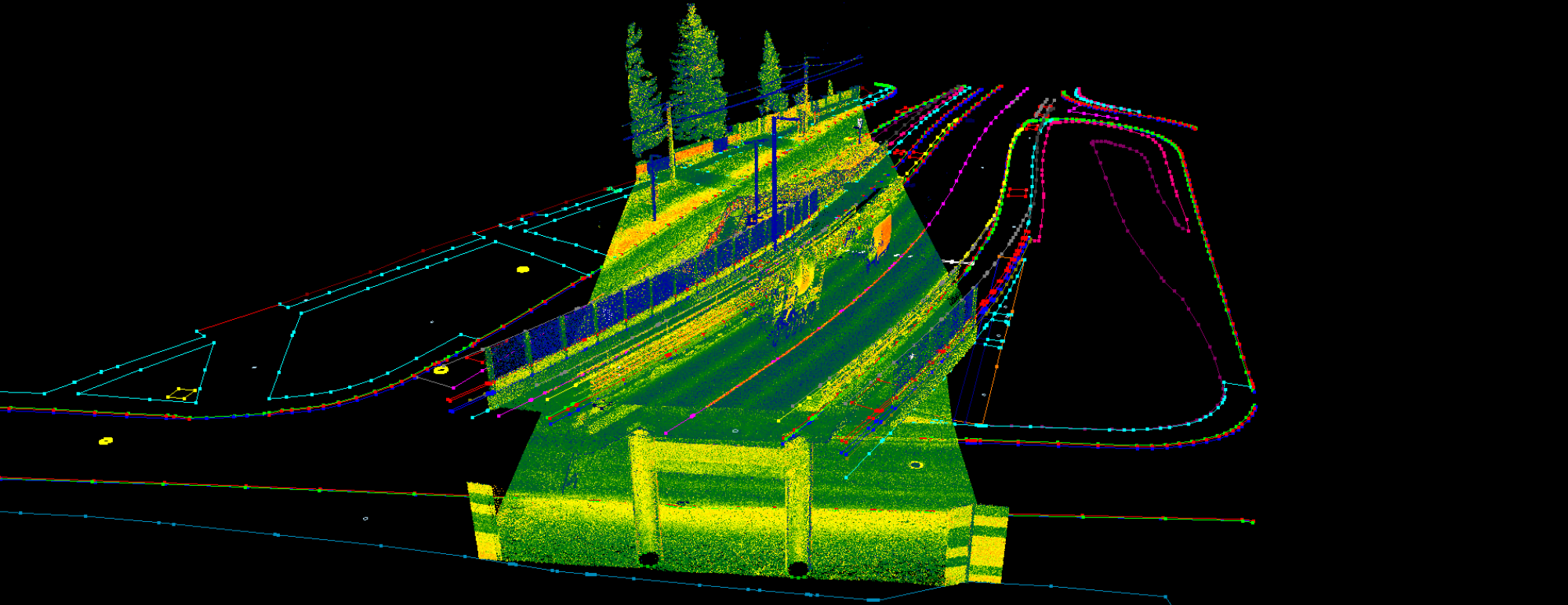

Another year has passed, and 2025 moved at a slow pace in our office. Several changes took place behind the scenes, along with many small and medium improvements. However, we did not introduce any major new features; instead, we focused on refining and reworking existing ones to improve user convenience. Let’s take a look at what’s new!
- Design refresh
As you may know, PCS is a product of Digicart Kft. These days, Digicart is celebrating its 36th anniversary—which is quite a milestone. We are proud to serve both the local Hungarian and the international community with surveying services and solutions, and we felt it was time for our old logo to retire and for our visual identity to be refreshed with a new, modern design. We hope you like it as much as we do 🙂

- Point Cloud Filter upgrade
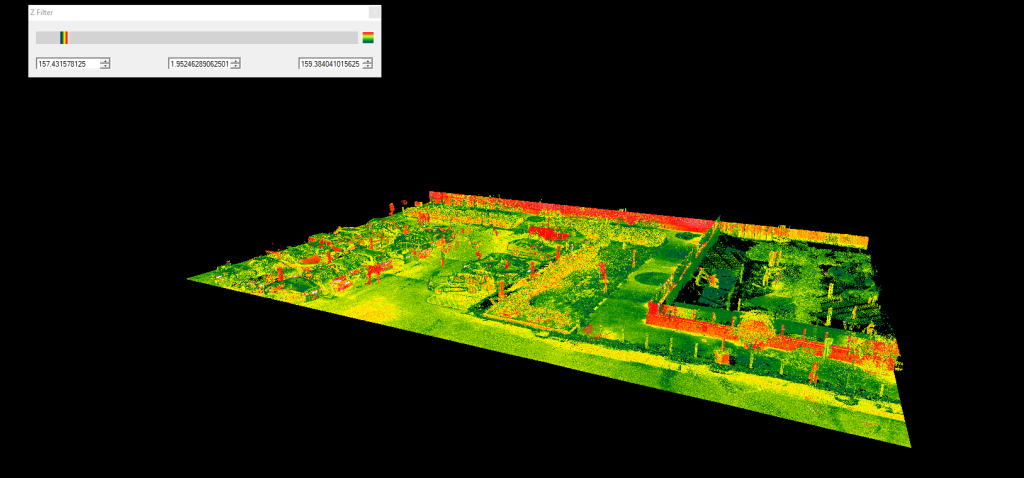
It is a common requirement to “clip” point clouds vertically, especially in cases where classification data— which would otherwise make this task straightforward — is not available. We already offered a Z-filter option that allows users to define minimum and maximum elevation values between which the point cloud is visualised, making tasks such as extracting a building floor plan much easier.
Previously, the Z-filter relied on numeric input and was buried deep within the Colorizer settings panel. Now, it is much more accessible: users can simply drag sliders to define the desired elevation range. This makes managing vertical slices of the point cloud significantly faster and more intuitive.
- Cloud Intensity Enhancements
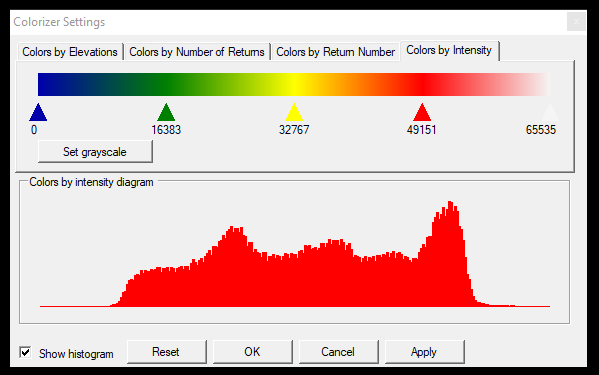
Recently, the SLAM revolution has reached our partners, and while SLAM itself is not new, another related change has become increasingly common: point clouds are now often measured or exported with 8-bit intensity values, where intensity ranges from 0 to 255. This differs from PCS’s standard 16-bit approach, where intensity values range from 0 to 65,535.
To address this, PCS now automatically detects whether a point cloud uses 8-bit or 16-bit intensity and adjusts the intensity visualisation accordingly. To further enhance this workflow, we have introduced histograms in the Colorizer settings, allowing you to fine-tune color mapping more precisely and adapt the display to your specific needs.
- Updated installer
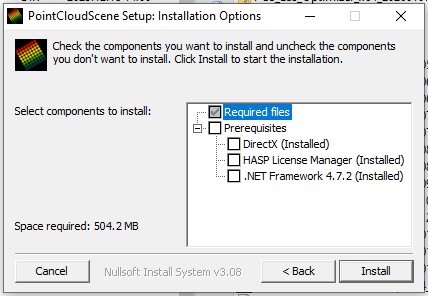
PCS has multiple dependencies on Microsoft components and hardware key drivers. In the past, ensuring that all required dependencies were properly installed could be a challenge—but that is now a thing of the past. PCS can now automatically detect missing dependencies and offer them for installation. No more installing separate components on new PCs.
- CAD import/export enhancements
We often refer to PCS as a bridge between the CAD and GIS worlds. In this release, we have updated the background processes for DXF–SHP and SHP–DXF workflows. We now provide a detailed log for DXF imports and have added support for the ACAD 2018 file format.
Import and export stability has been further improved, and we have introduced multiline text support for exports. In the past, some block definitions were not visible in PCS, and missing or invalid definitions were not handled properly. PCS now highlights missing or faulty block definitions to make these issues immediately apparent.
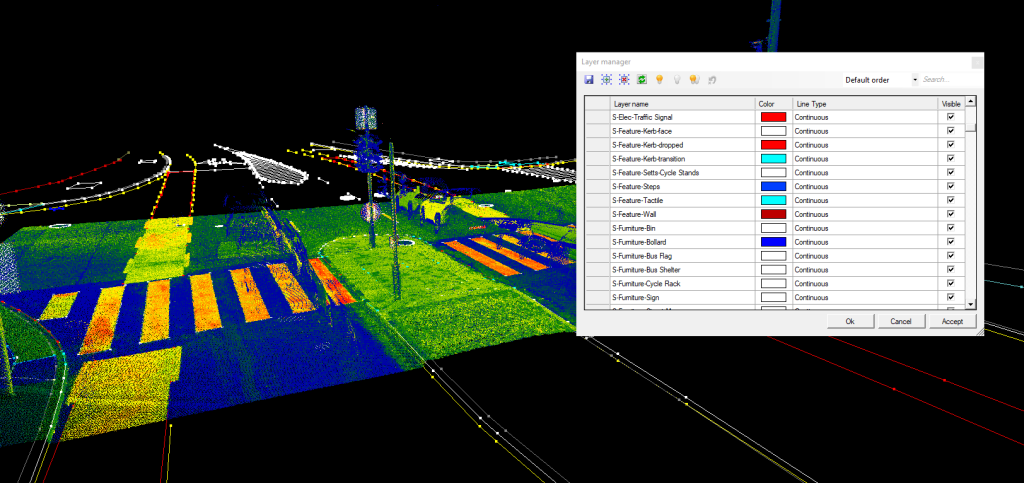
In addition, we have re-integrated the DXF layer manager, allowing users to turn layers on and off as needed.
- Grid enhancement
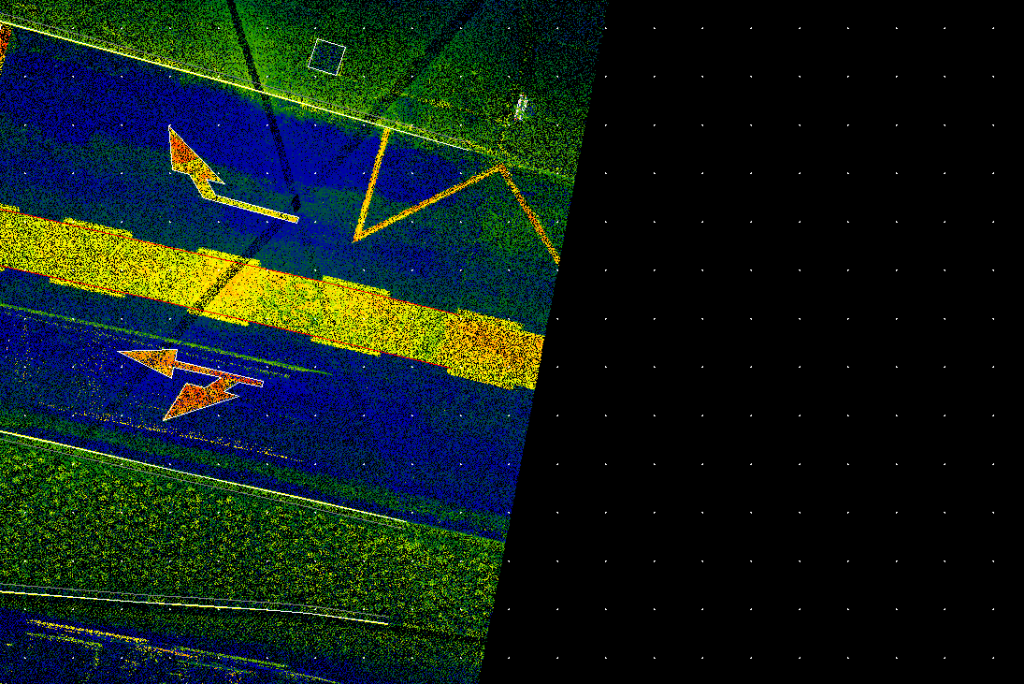
In PCS, the underlying grid function was previously available only in special cases when a reference plan was used. We have now integrated the grid function directly into the 2D view, making it possible to measure distances based on a grid in all relevant workflows.
- Optimzer enhancements
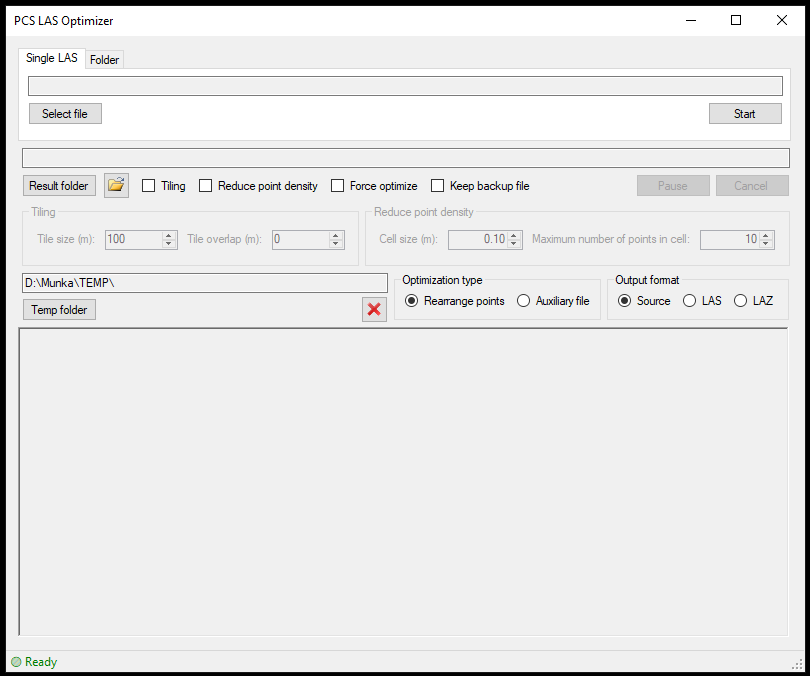
The external optimizer has also received a facelift and now delivers even better performance. It comes with more configuration options, enhanced stability, improved start–stop functionality, and better storage management.
While the optimizer is already a powerful standalone tool, our goal is to integrate it directly into PCS to eliminate the need for a separate application. Stay tuned for further updates.
- Surface-Cloud difference enhancements
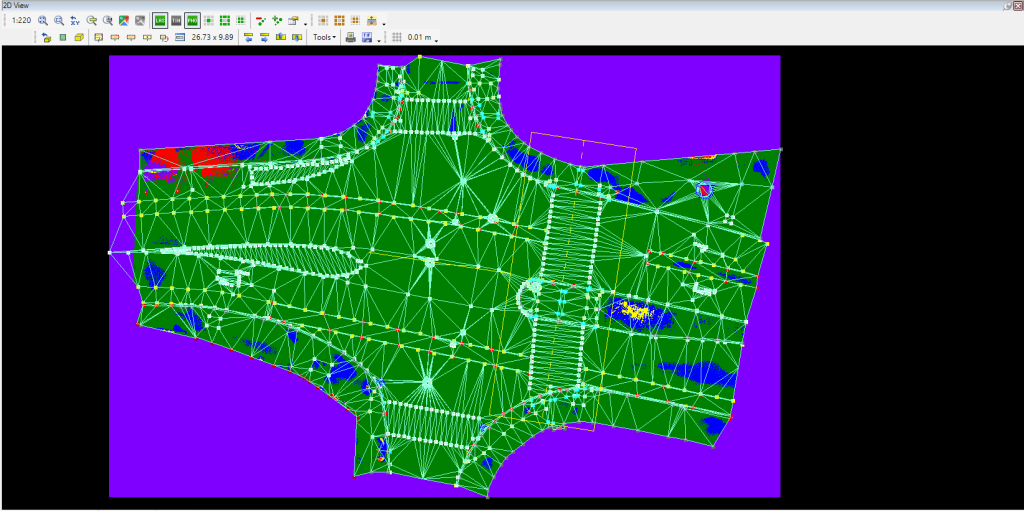
Based on user feedback, we have further enhanced this QC tool to make it even more straightforward to use. The results generated by the tool are now more informative, and the workflow has been redesigned to prevent the most common user errors during the setup process.
What comes next?
This year, our primary focus is on further improving the stability of the software. While the exact direction is not yet certain, replacing the main display engine is still on the table, as it would give us greater flexibility in the 3D view. Migrating from a hardware-based licensing key to a software key remains a long-standing goal, and we are continuing to explore the available options.
We have had many conversations with our partners about the future development of our toolkit, and we truly appreciate the valuable feedback we have received. Please keep sharing your ideas—we are listening.
Keep creating spatial data and extracting meaningful insights with PointCloudScene!